Contents
What the Terms actually say
| Point | What is written |
|---|---|
| Billing | Membership is a recurring subscription — the Terms have a “Recurring Billing and Cancellation” section |
| Refunds | “We will not issue refunds of usage fees” |
| Payment | The checkout button is “Pay with credit/debit card”; other payment options only appear after signing in |
| Cancellation route | not verified — the exact in-account path is behind the login, so we do not quote steps we have not seen |
CrushOn.AI Terms of Service, sections “Refund Policy” and “Recurring Billing and Cancellation”, and the public pricing page. Our source list is on the methodology page.
What to do before the next charge
- Find the renewal date in your account settings — with recurring billing the charge happens without a reminder.
- Cancel before that date: the no-refund rule means a charge you let through is a charge you keep.
- Spend the message credits you already paid for — the plans are credit-based (2,000 credits on Standard, 6,000 on Premium and so on).
- If you bought the separate Pro chat pack ($24.99 a month or $299.99 a year), check it separately — it is sold as its own package.
Cancelling because of the credits?
The case for CrushOn.AI
If the credit maths works for you, the yearly billing lowers the monthly price and the free tier keeps 100 message credits a month.
The case for HoneyChat
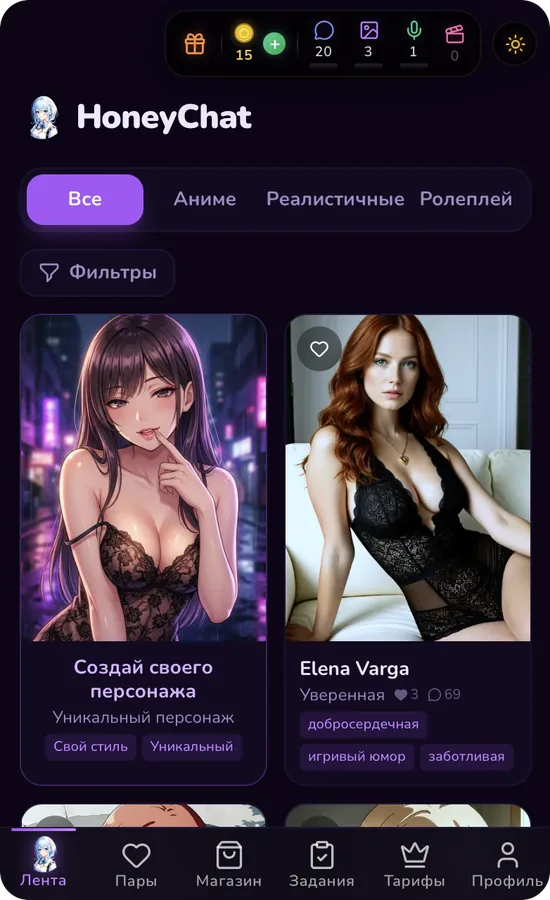
HoneyChat counts messages, not credits: 20 messages and 3 images a day are free with no expiry, and paid plans are monthly with no credit packs to top up.